




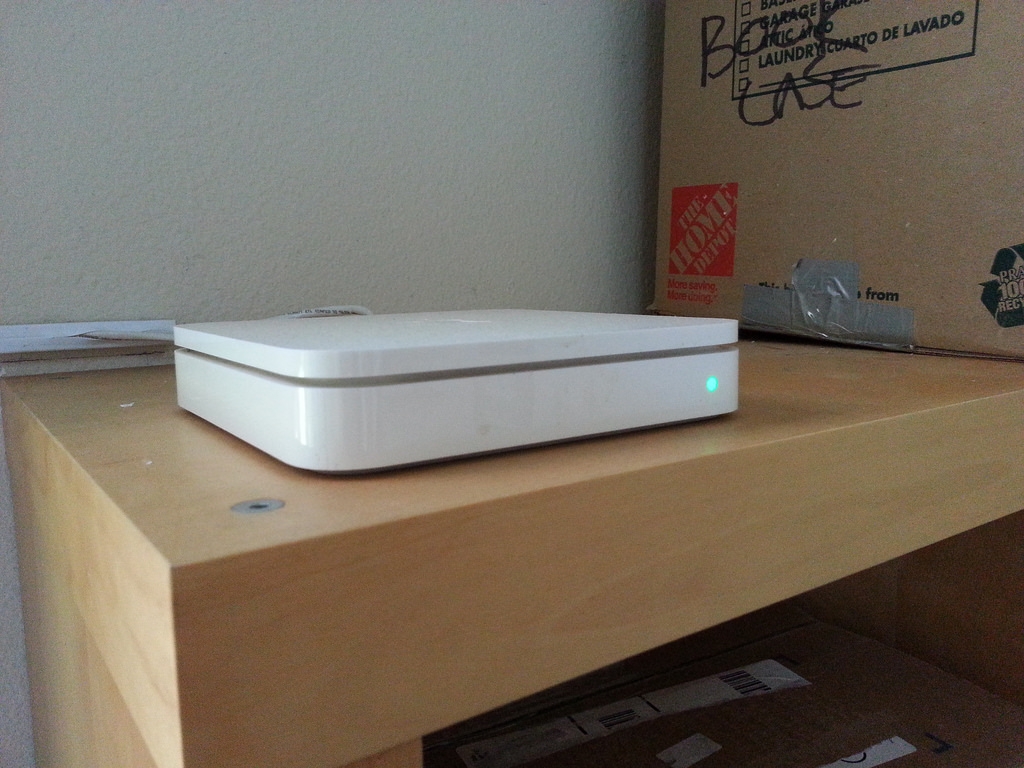
The best thing you can do to optimize your WiFi is to put your router up high and unobstructed. [Nevermind the boxes – we’re moving!]

Since we’re an Apple computer (but Android phone) household, we have an AirPort wireless router. We’ve had it for years and it works great (plug for AirPort!). Our apartment has one ethernet jack and it’s on the far wall in the family room. When we first moved in, we just plugged in the router and left it on the floor under the couch. All was well enough for the first few years. We do the majority of our Interneting in the family room or upstairs in the loft where we stream TV and movie. But, when we had a baby, WiFi in bed became much, much more critical to our sanity. With our original set up, the WiFi signal in the bedroom was touch and go. It worked fine on the laptop, but you’d have to hold your phone up over your head and/or reach towards the foot of the bed – not ideal when trying to nurse an infant or not wake a sleeping mama.
When my son was just a few weeks old, we bought a WiFi repeater in an attempt to boost our signal. It sucked, so we tried a different one, and it also sucked. We gave up on the repeaters and thought about other solutions. My husband wanted to get the router out from under the couch and put it up as high as possible – since that’s actually the most important thing you can do to maximize your WiFi signal. His plan involved a lot of craziness, including putting the router in the crawl space and running the ethernet cord along the length of the family room wall, across the balcony doors and then into the crawlspace through a hole in the top of the wall. This would also mean running power into the crawlspace and having to access the router through the crawlspace any time you needed to trouble shoot. I admire my husband for his ability to come up with crazy, cool ideas (and turn them into actual projects and occasionally $), but sometimes I’m glad I’m around to shut those ideas down.
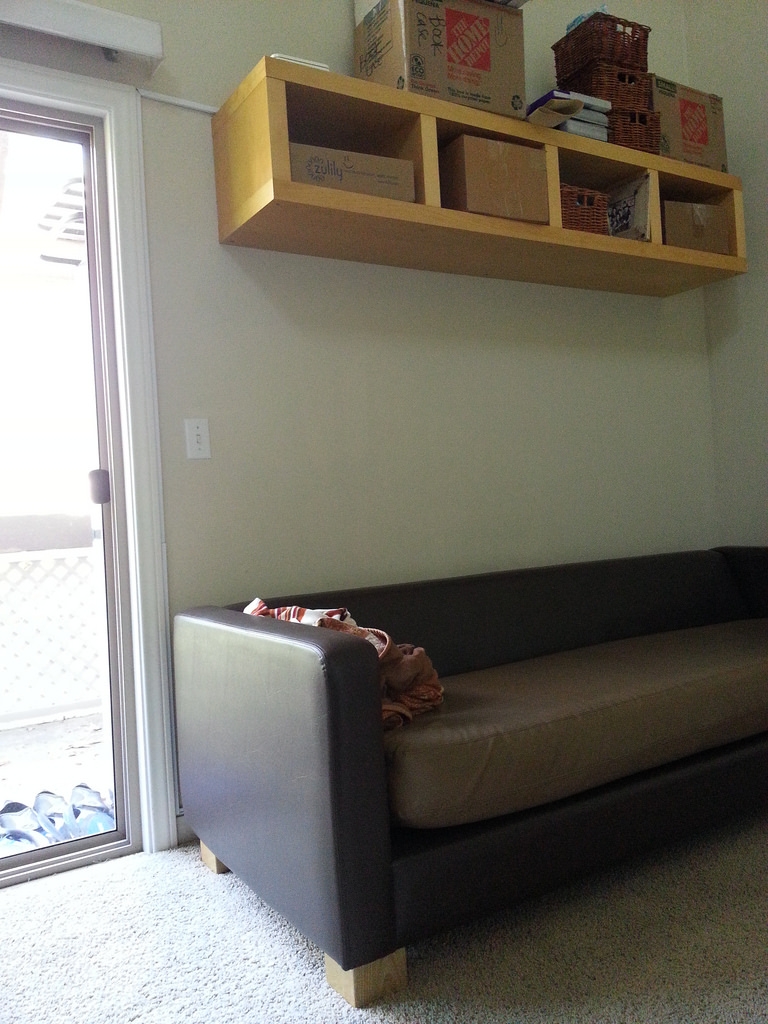
Conduit run along the wall to maintain the ethernet and power cables.
The actual solution to optimize our WiFi signal was simply to put the router up on the bookshelf above the couch, but that still left the issue of running the ethernet and power cords to the router. We addressed this issue by using conduit. It seems like a pretty straightforward thing to do, but I’m often surprised by how little people actually use conduit to manage their cords (that’s probably just because I work in an industry where messy cords are unacceptable). I’m also surprised by how often people deal with crappy WiFi reception in their home just because they don’t know and/or care about how to fix it. You’re paying for that, you better make it work as best you can.
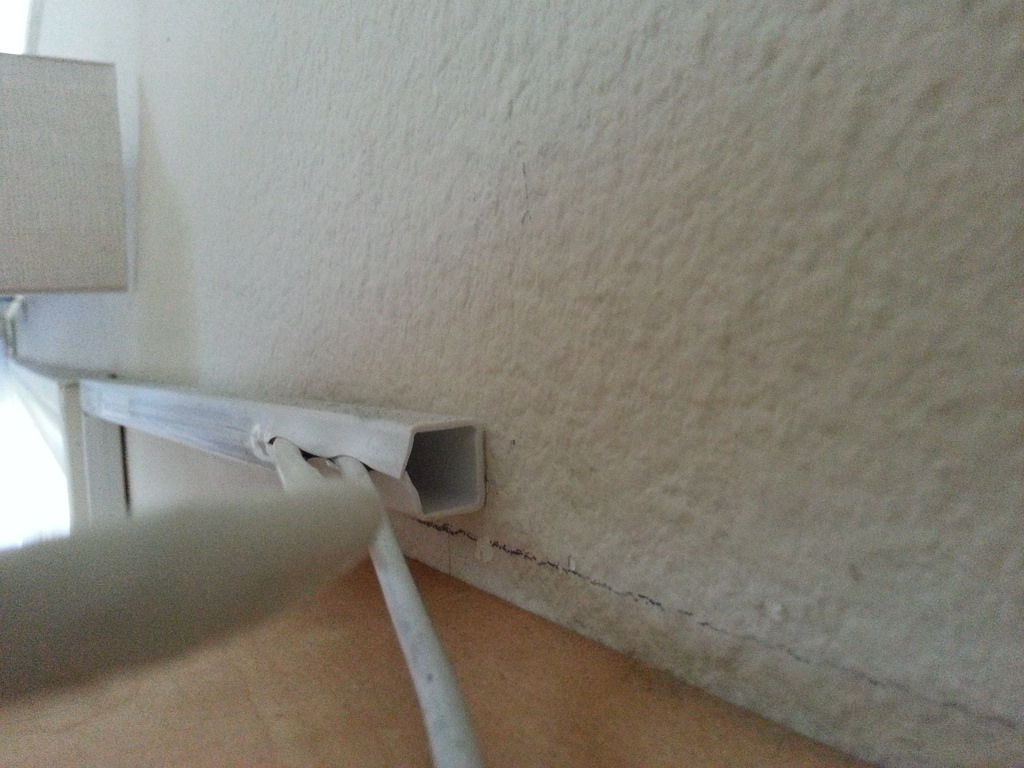
I’m not sure what this type of conduit is called but it’s super easy to install and pretty cheap and easy to find at Home Depot.
So, here are the easiest, cheapest things you can do to optimize your WiFi:
1. Put your router up as high as possible (within reason).
2. Make sure your router isn’t covered up by anything substantial (like a couch).
3. Run the cords with cheap, easy to install conduit.
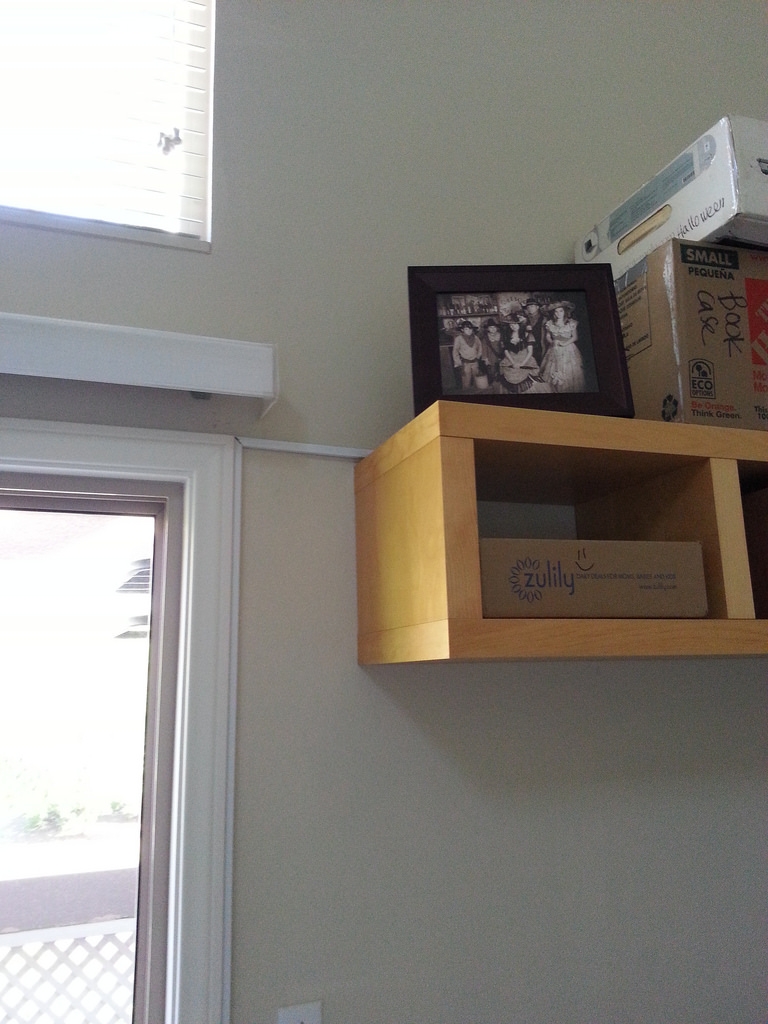
Optional: Hide the router behind something that isn’t too large, like a photo frame.